

Sign in and sign out
Sign in to reach your saved content, and sign out when you finish using a shared device.
Before you start
- Make sure you use the same sign-in method you used when the account was created.
Follow these steps
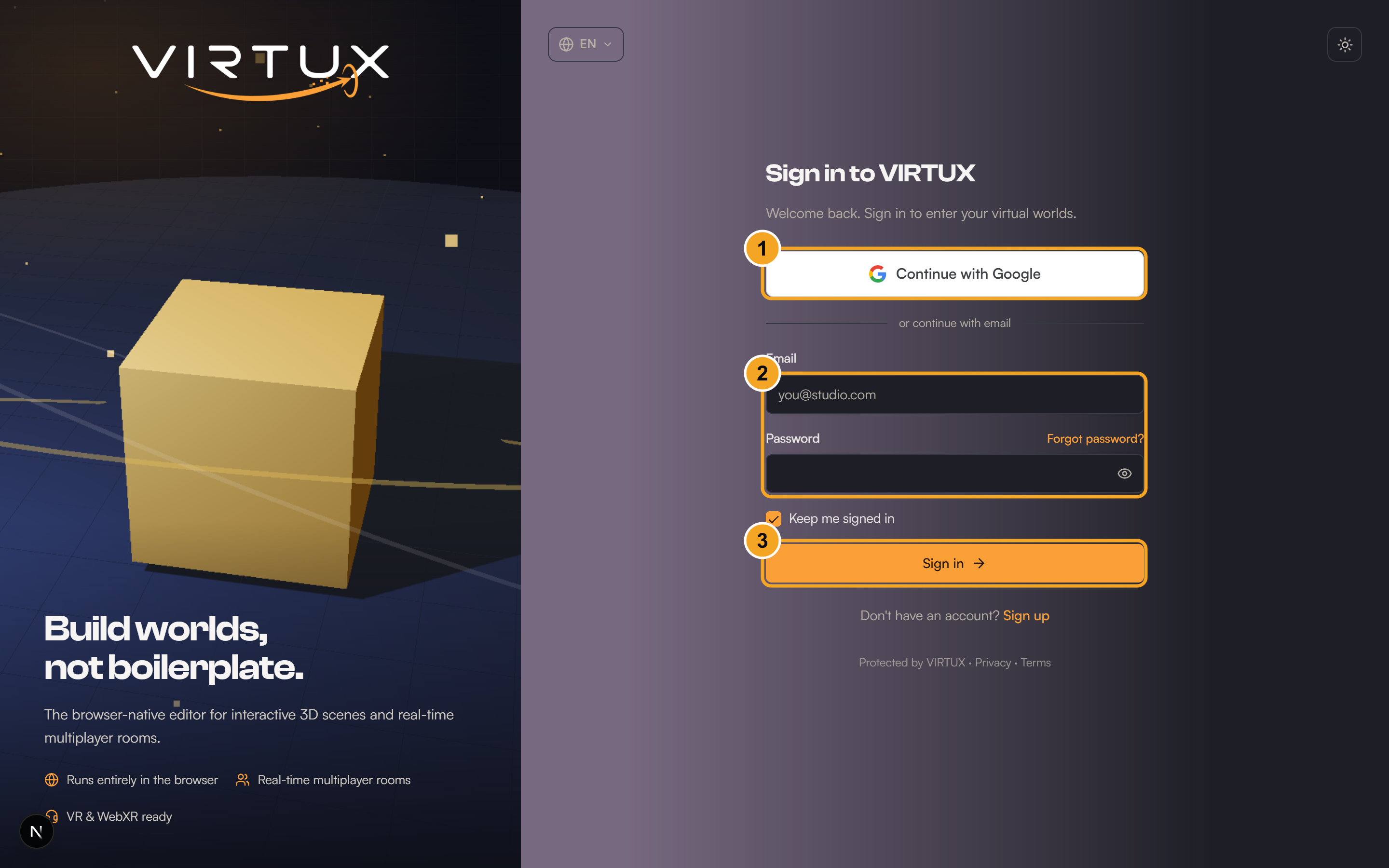
- Open the VIRTUX home page.
- Choose Sign in.
- Enter your email and password, or choose your connected sign-in provider.
- Choose Sign in and wait for the Dashboard to open.
- To sign out, open your profile menu in the top-right corner.
- Choose Sign out.
Check that it worked
- After signing in, your display name and plan appear in the profile menu.
- After signing out, the public home page shows Sign in and Get started.
Useful tips and common mistakes
- On a shared device, always sign out instead of only closing the tab.
- If the wrong account opens, sign out and retry with the correct method.