

Profile and settings overview
Profile shows your account and avatar. Settings controls account preferences, subscription, appearance, alerts, sound, and graphics quality.
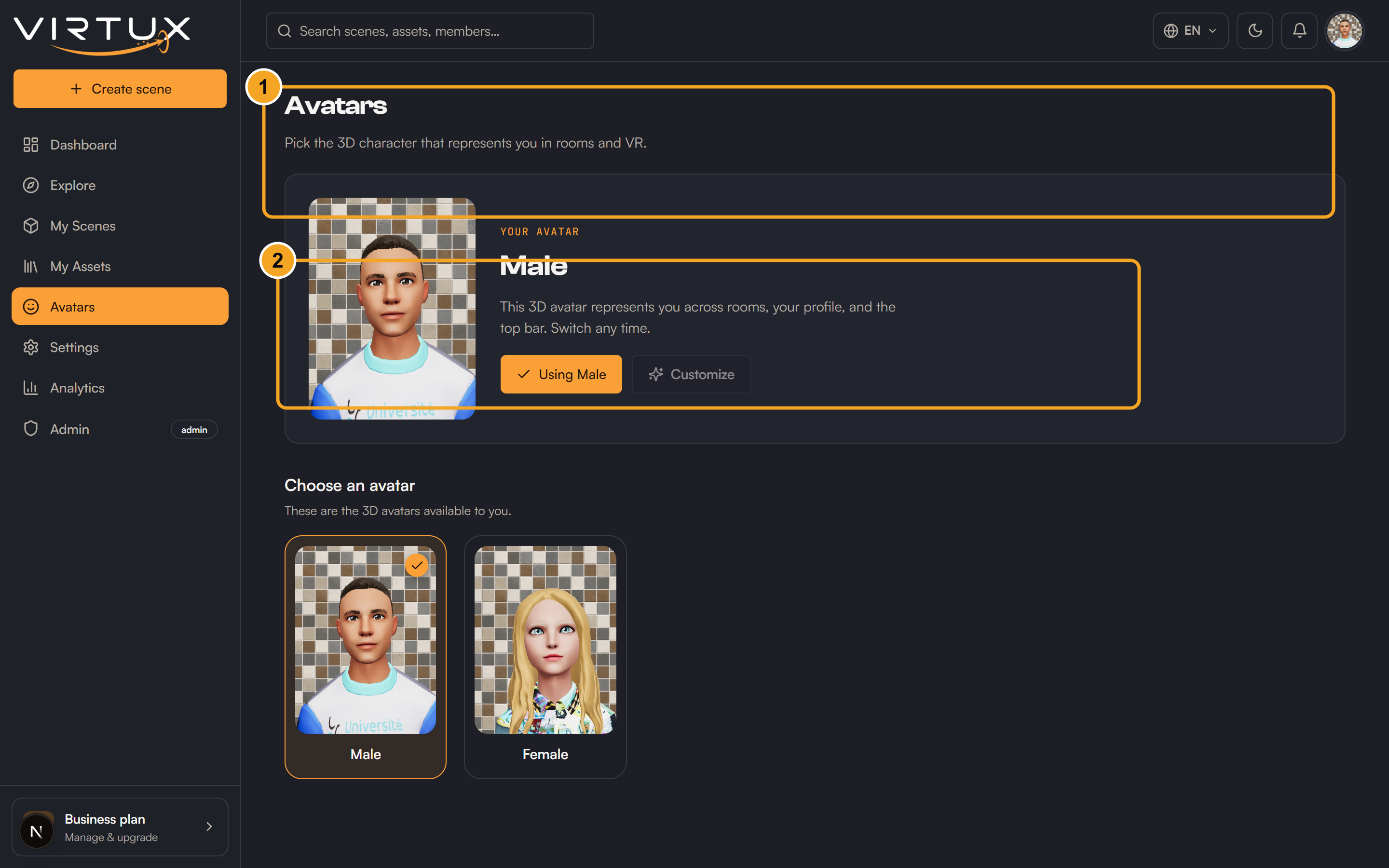
Profile and avatar
- Review your display name, email, plan, membership date, and published scene count.
- Choose an available avatar from the Avatar section.
- The chosen avatar is used when you enter scenes.
Account and billing
- Change your display name.
- Choose your preferred language.
- Review your current Free, Pro, or Business plan.
- Manage upgrade, billing, and subscription options shown for your account.
Appearance, notifications, and audio
- Choose Light, Dark, or System theme.
- Mute optional notification categories; system messages remain enabled.
- Enable or disable Master, sound effects, and interface sounds.
- Adjust each sound category's volume.
Performance
- Low prioritizes smoother performance.
- Medium balances visual quality and speed.
- High provides richer visuals for capable hardware.