

Getting started overview
VIRTUX runs in your browser. Create an account, choose an avatar, and enter a scene without installing a separate creation program.
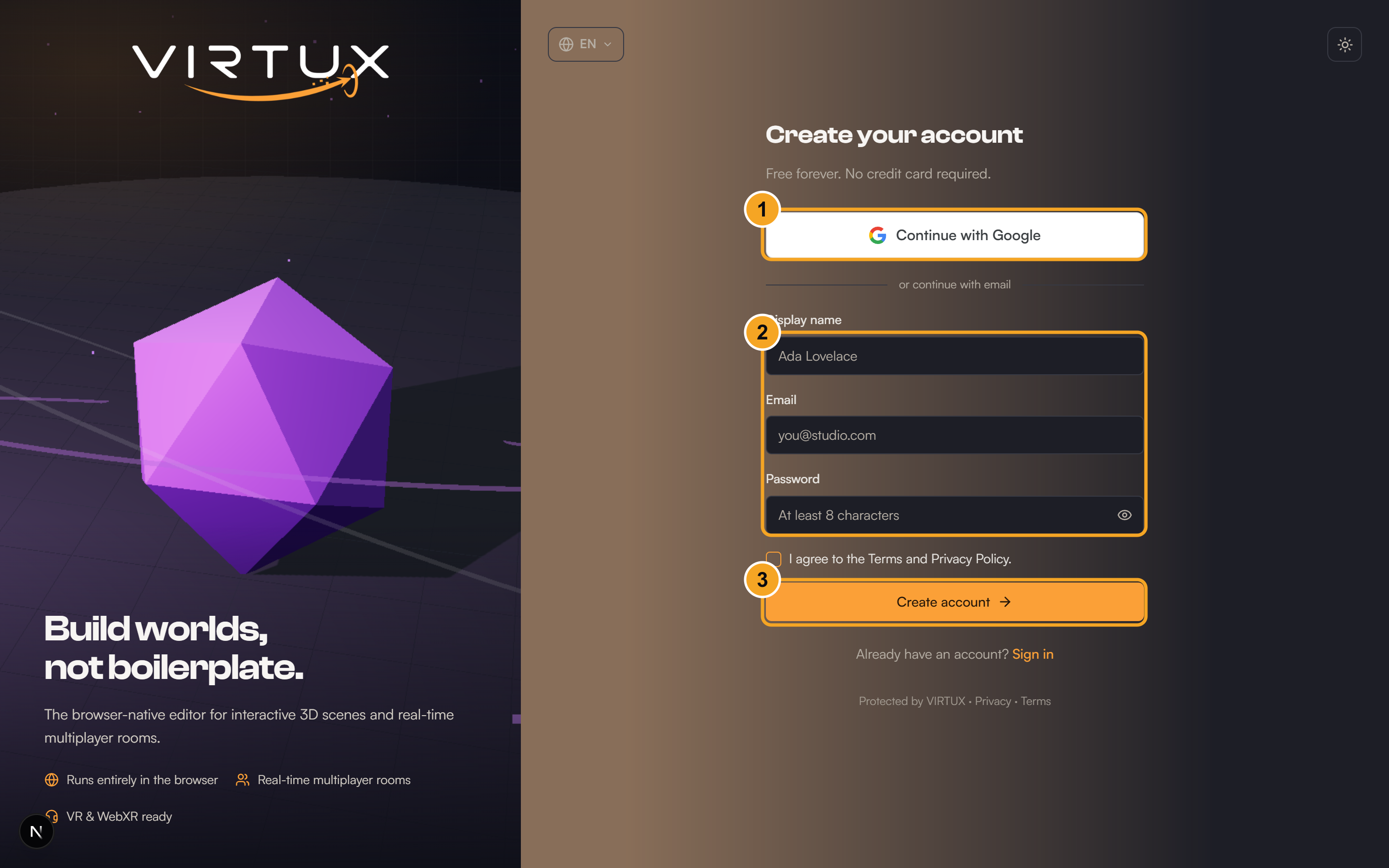
Create or access your account
- From the home page, choose Log in if you already have an account or Get started to register.
- Enter your name, email, and password, or use an available connected sign-in option.
- After signing in, you arrive at the Dashboard.
What you can do
- Visit public scenes from Explore.
- Create and manage your own scenes from My scenes.
- Upload reusable models and media from My assets.
- Choose your avatar and review your profile.
- Adjust language, appearance, audio, notifications, billing, and performance.
Your first five minutes
- Open Profile and choose an avatar.
- Open Explore and enter a public scene to learn the movement controls.
- Return to My scenes and choose Create scene.
- Give the scene a name and keep it Private while you learn.
- Enter Edit mode, add one object, save, then exit Edit mode.
Good to know: Unavailable buttons are usually controlled by scene permissions, your plan, or the device you are using.