

Find public scenes
Use Explore to find public scenes made by other creators.
Before you start
- Sign in for the full experience, although some public scenes may allow visitors.
Follow these steps
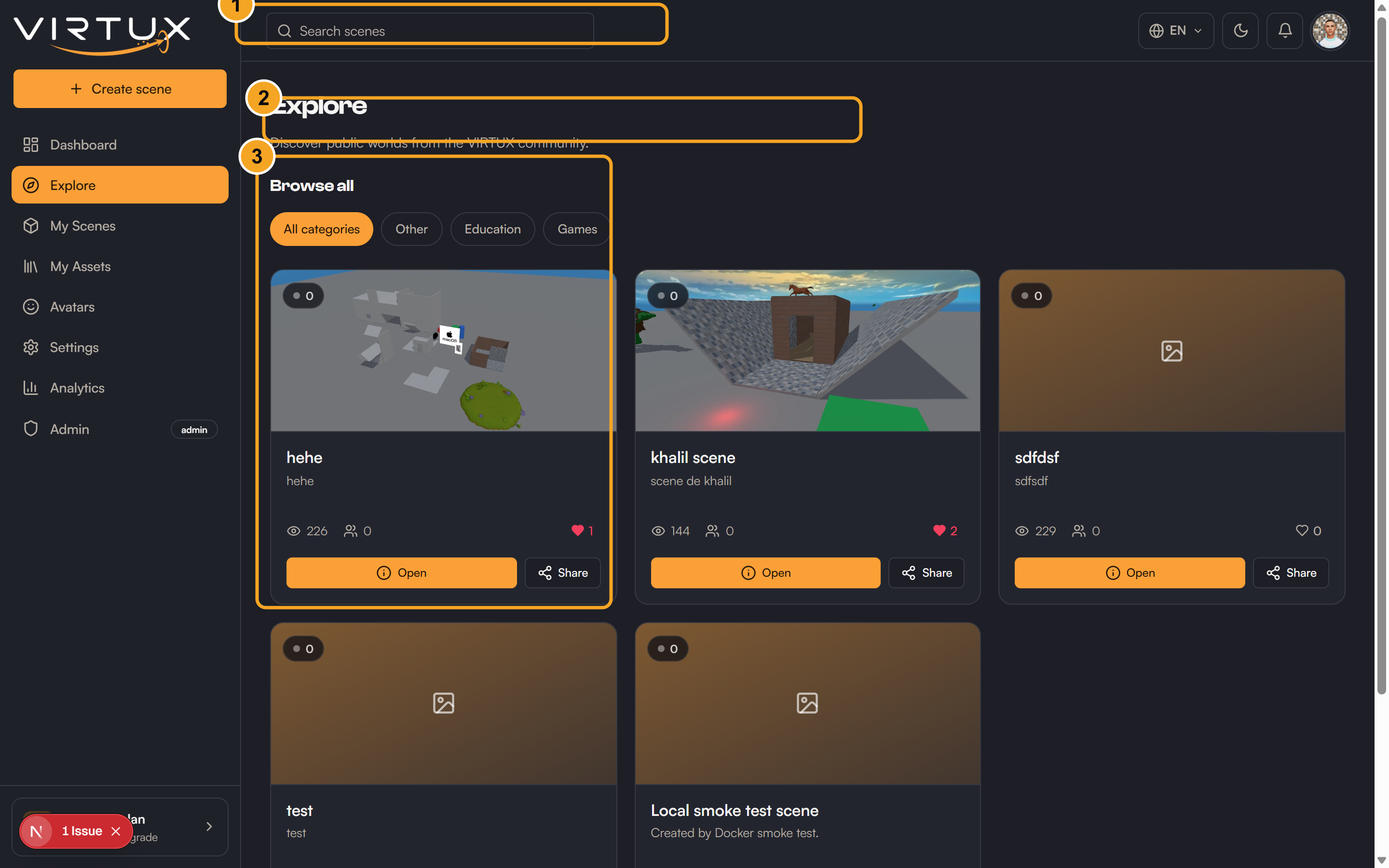
- Open Explore from the Dashboard sidebar.
- Click the search field.
- Type part of a scene name, creator name, or relevant word.
- Review the matching scene cards.
- Check the scene description and live visitor badge.
- Select a scene card to enter it.
- Use Leave to return when you are finished.
Check that it worked
- The search list updates to match your text.
- The selected scene opens its loading screen and then the 3D world.
- The scene later appears in Recently visited.
Useful tips and common mistakes
- Clear the search field to show all available public scenes again.
- A disabled recently visited card means you no longer have access or the scene is unavailable.