

Manage private rooms
Find, reshare, monitor, and remove private rooms you created.
Before you start
- Sign in with the account that created the rooms.
Follow these steps
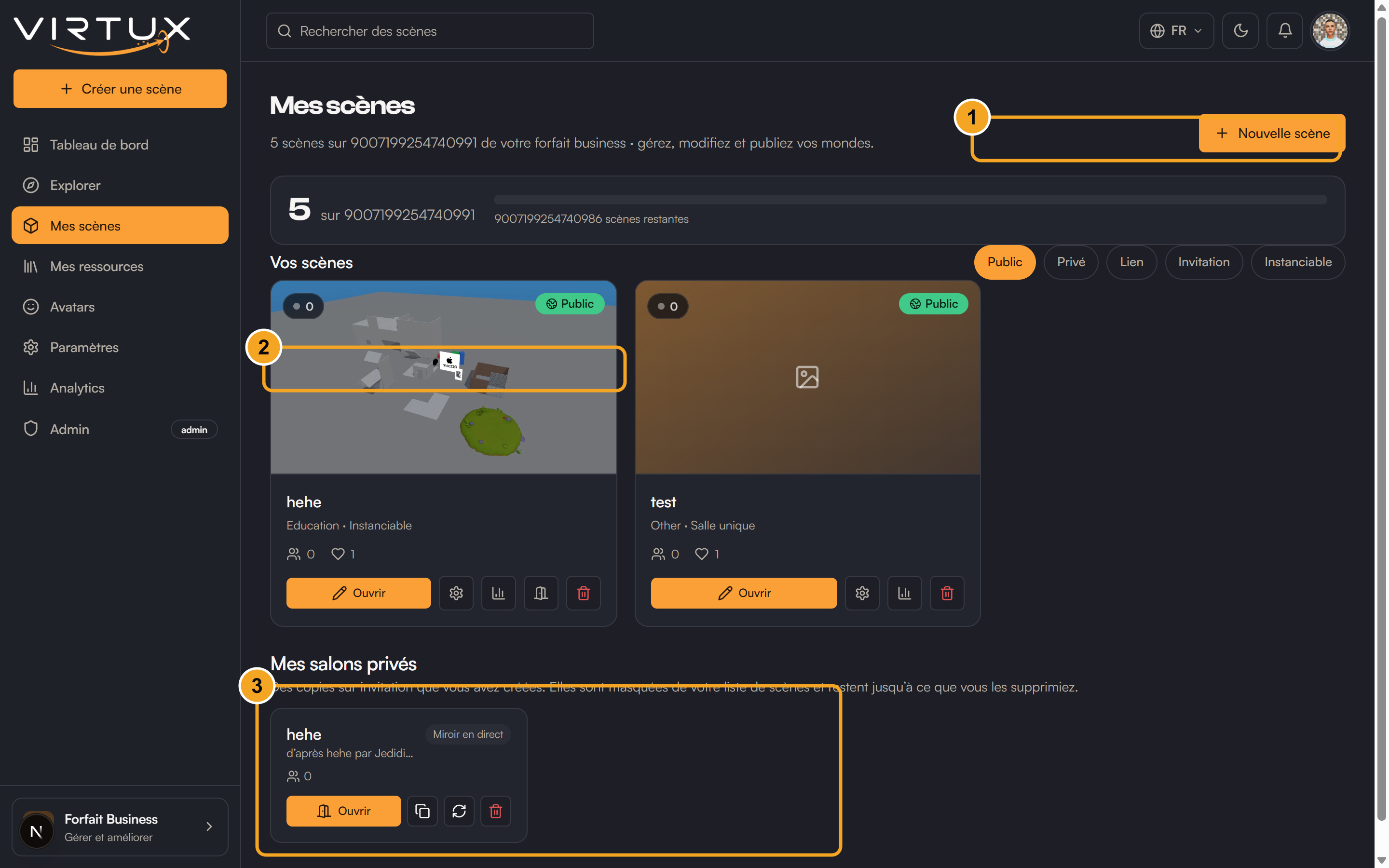
- Open My scenes.
- Scroll to My private rooms.
- Find the room by its source scene and creation information.
- Check the live participant count.
- Copy the link again when another guest needs it.
- Open the room to rejoin the session.
- Choose Delete when the room is no longer needed.
- Confirm the deletion.
Check that it worked
- Deleted rooms disappear from My private rooms.
- Their old invitation links stop working.
Useful tips and common mistakes
- Rooms are not shown in your normal owned-scene grid.
- Use distinct invitations so guests do not accidentally join the main scene.